Stored Source
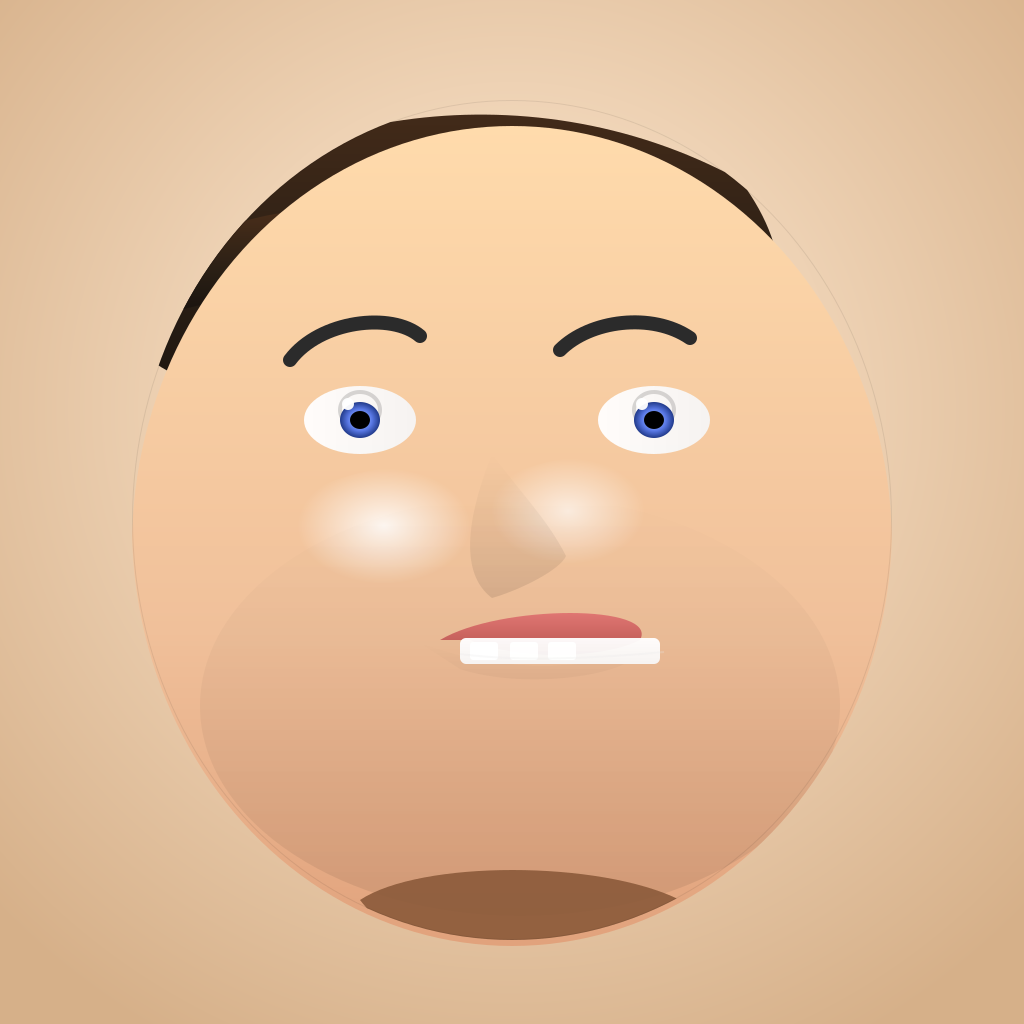
<svg width="1024" height="1024" viewBox="0 0 1024 1024" xmlns="http://www.w3.org/2000/svg" role="img" aria-label="Stylized generic male portrait in vector art">
  <defs>
    <!-- Background gradient -->
    <radialGradient id="bgGrad" cx="50%" cy="40%" r="70%">
      <stop offset="0%" stop-color="#fff3e0"/>
      <stop offset="40%" stop-color="#f0d5b8"/>
      <stop offset="100%" stop-color="#d6b089"/>
    </radialGradient>

    <!-- Skin base -->
    <linearGradient id="skin" x1="0" y1="0" x2="0" y2="1">
      <stop offset="0%" stop-color="#ffdbac"/>
      <stop offset="60%" stop-color="#f0c09a"/>
      <stop offset="100%" stop-color="#e0a07a"/>
    </linearGradient>

    <!-- Subtle cheek and jaw shading -->
    <linearGradient id="skinShade" x1="0" y1="0" x2="0" y2="1">
      <stop offset="0%" stop-color="rgba(0,0,0,0)" />
      <stop offset="100%" stop-color="rgba(0,0,0,0.18)" />
    </linearGradient>

    <!-- Hair gradient (dark brown) -->
    <linearGradient id="hair" x1="0" y1="0" x2="0" y2="1">
      <stop offset="0%" stop-color="#4a2e1a"/>
      <stop offset="60%" stop-color="#2b1f15"/>
      <stop offset="100%" stop-color="#1a140f"/>
    </linearGradient>

    <!-- Eye whites -->
    <linearGradient id="eyeWhite" x1="0" y1="0" x2="1" y2="0">
      <stop offset="0%" stop-color="#ffffff"/>
      <stop offset="100%" stop-color="#f5f5f5"/>
    </linearGradient>

    <!-- Iris gradient -->
    <radialGradient id="iris" cx="50%" cy="50%" r="50%">
      <stop offset="0%" stop-color="#b9d6ff"/>
      <stop offset="60%" stop-color="#5a79e6"/>
      <stop offset="100%" stop-color="#213a8a"/>
    </radialGradient>

    <!-- Pupil -->
    <radialGradient id="pupil" cx="50%" cy="50%" r="50%">
      <stop offset="0%" stop-color="#000"/>
      <stop offset="100%" stop-color="#000"/>
    </radialGradient>

    <!-- Lip gradient -->
    <linearGradient id="lip" x1="0" y1="0" x2="0" y2="1">
      <stop offset="0%" stop-color="#e87d7a"/>
      <stop offset="70%" stop-color="#c35e59"/>
      <stop offset="100%" stop-color="#b2524b"/>
    </linearGradient>

    <!-- Teeth gradient -->
    <linearGradient id="tooth" x1="0" y1="0" x2="0" y2="1">
      <stop offset="0%" stop-color="#ffffff"/>
      <stop offset="100%" stop-color="#f7f7f7"/>
    </linearGradient>

    <!-- Highlight/reflective skin -->
    <radialGradient id="skinHighlight" cx="40%" cy="25%" r="40%">
      <stop offset="0%" stop-color="white" stop-opacity="0.95"/>
      <stop offset="60%" stop-color="white" stop-opacity="0.0"/>
    </radialGradient>

    <!-- Shadow filter for depth -->
    <filter id="softShadow" x="-20%" y="-20%" width="140%" height="140%">
      <feGaussianBlur in="SourceAlpha" stdDeviation="4" result="blur"/>
      <feOffset in="blur" dx="0" dy="6" result="offset"/>
      <feMerge>
        <feMergeNode in="offset"/>
        <feMergeNode in="SourceGraphic"/>
      </feMerge>
    </filter>

    <!-- Clip to a gentle face oval -->
    <clipPath id="faceClip">
      <ellipse cx="512" cy="520" rx="380" ry="420"/>
    </clipPath>

    <!-- Group mask for subtle texture on skin -->
    <mask id="skinMask">
      <rect width="100%" height="100%" fill="white"/>
      <ellipse cx="512" cy="540" rx="360" ry="400" fill="black" />
    </mask>
  </defs>

  <!-- Background stage -->
  <rect width="1024" height="1024" fill="url(#bgGrad)"/>

  <!-- Hair behind the face (follows the head silhouette) -->
  <g clip-path="url(#faceClip)">
    <path d="M150 240
             C260 120, 520 60, 740 180
             C800 260, 780 320, 760 360
             C680 420, 520 420, 420 420
             C280 420, 210 400, 150 360
             C130 320, 140 270, 150 240 Z"
          fill="url(#hair)"/>
    <!-- Sideburns and crown accents -->
    <path d="M120 290 C160 250, 240 210, 320 210 C400 210, 460 235, 520 260 C420 260, 260 290, 180 310 C160 310, 140 300, 120 290 Z"
          fill="url(#hair)" opacity="0.95"/>
  </g>

  <!-- Face shading layer (within clip) for depth -->
  <g clip-path="url(#faceClip)" filter="url(#softShadow)">
    <!-- Base skin -->
    <ellipse cx="512" cy="540" rx="380" ry="420" fill="url(#skin)" />

    <!-- Cheek highlights -->
    <ellipse cx="420" cy="580" rx="180" ry="120" fill="url(#skinHighlight)" opacity="0.9" />
    <ellipse cx="600" cy="560" rx="160" ry="110" fill="url(#skinHighlight)" opacity="0.7" />

    <!-- Jaw / chin subtle shading -->
    <ellipse cx="520" cy="700" rx="320" ry="210" fill="url(#skinShade)" opacity="0.45" />
  </g>

  <!-- Eyes -->
  <g clip-path="url(#faceClip)">
    <!-- Left eye -->
    <ellipse cx="360" cy="420" rx="56" ry="34" fill="url(#eyeWhite)" opacity="0.95"/>
    <ellipse cx="360" cy="410" rx="20" ry="18" fill="none" stroke="rgba(0,0,0,0.15)" stroke-width="4"/>
    <ellipse cx="360" cy="420" rx="20" ry="18" fill="url(#iris)"/>
    <ellipse cx="360" cy="420" rx="10" ry="9" fill="url(#pupil)"/>
    <!-- Eye highlight -->
    <circle cx="348" cy="404" r="6" fill="white" opacity="0.95"/>

    <!-- Right eye -->
    <ellipse cx="654" cy="420" rx="56" ry="34" fill="url(#eyeWhite)" opacity="0.95"/>
    <ellipse cx="654" cy="410" rx="20" ry="18" fill="none" stroke="rgba(0,0,0,0.15)" stroke-width="4"/>
    <ellipse cx="654" cy="420" rx="20" ry="18" fill="url(#iris)"/>
    <ellipse cx="654" cy="420" rx="10" ry="9" fill="url(#pupil)"/>
    <!-- Eye highlight -->
    <circle cx="642" cy="404" r="6" fill="white" opacity="0.95"/>

    <!-- Eyebrows -->
    <path d="M290 360 C320 320, 392 312, 420 336" fill="none" stroke="#2b2b2b" stroke-width="14" stroke-linecap="round" />
    <path d="M560 350 C590 320, 652 312, 690 338" fill="none" stroke="#2b2b2b" stroke-width="14" stroke-linecap="round" />
  </g>

  <!-- Nose shading and bridge -->
  <path d="M492 454 C520 492, 548 520, 566 556 C560 570, 520 590, 492 598 C468 580, 458 540, 492 454 Z"
        fill="url(#skinShade)" opacity="0.55" clip-path="url(#faceClip)"/>

  <!-- Mouth and lips -->
  <g clip-path="url(#faceClip)">
    <!-- Upper lip -->
    <path d="M440 640
             C500 604, 660 604, 640 640
             C600 660, 515 660, 470 640
             Z"
          fill="url(#lip)" />

    <!-- Lower lip shadow -->
    <path d="M420 643 C480 665, 548 676, 640 653
             C620 678, 520 689, 460 669
             Z" fill="url(#skinShade)" opacity="0.25"/>

    <!-- Teeth row (visible when mouth opens slightly) -->
    <rect x="460" y="638" width="200" height="26" rx="6" fill="url(#tooth)" opacity="0.95"/>
    <!-- Individual tooth hints -->
    <rect x="470" y="642" width="28" height="18" rx="3" fill="white"/>
    <rect x="510" y="642" width="28" height="18" rx="3" fill="white" opacity="0.95"/>
    <rect x="548" y="642" width="28" height="18" rx="3" fill="white" opacity="0.95"/>
  </g>

  <!-- Teeth edges around the mouth (subtle line) -->
  <path d="M460 654 C520 662, 600 658, 664 652" stroke="#e8e8e8" stroke-width="2" fill="none" opacity="0.25" />

  <!-- Neck and clothing hints -->
  <g clip-path="url(#faceClip)">
    <path d="M360 900 C420 860, 600 860, 680 900
             C640 980, 420 980, 360 900 Z"
          fill="#8b5a3a" opacity="0.9"/>
  </g>

  <!-- Subtle outline to emphasize the head silhouette -->
  <ellipse cx="512" cy="520" rx="380" ry="420" fill="none" stroke="rgba(0,0,0,0.08)" stroke-width="2" clip-path="url(#faceClip)"/>

</svg>