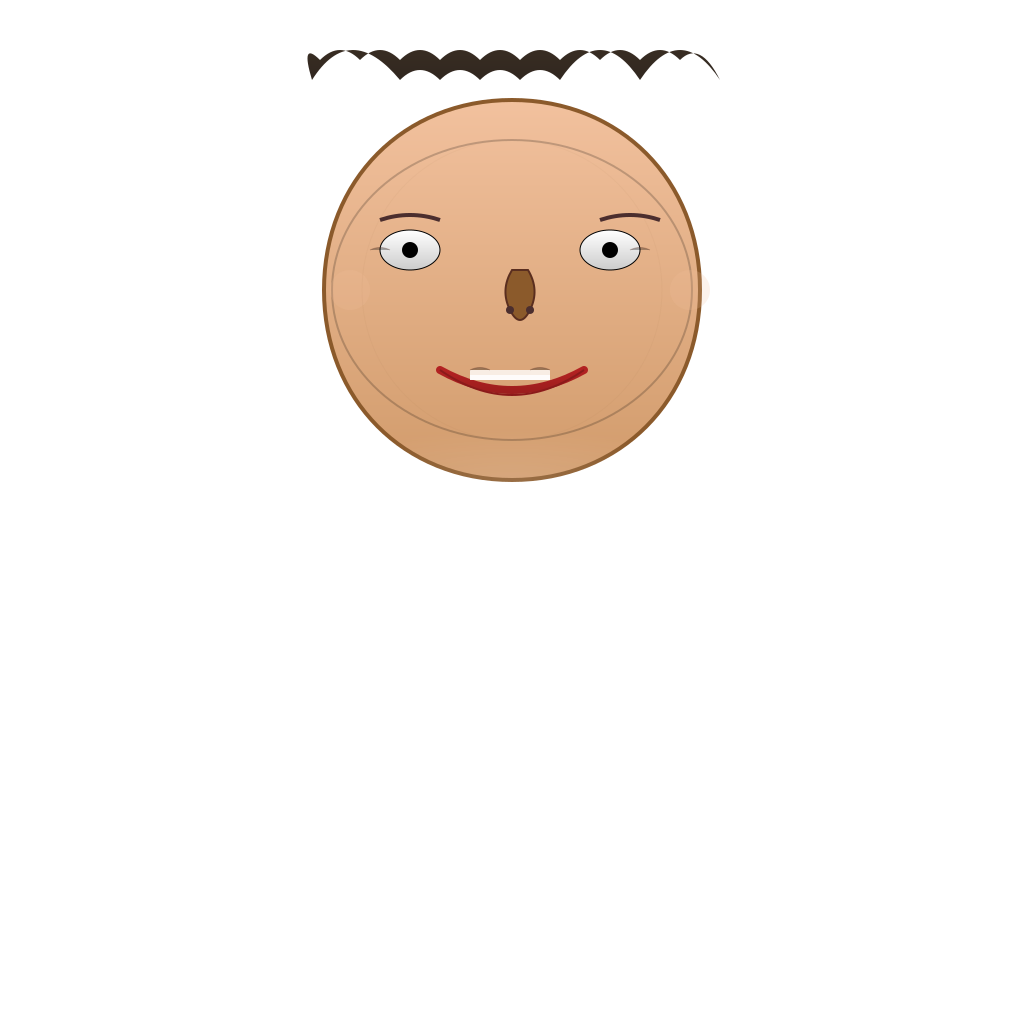
Stored Source
<svg width="1024" height="1024" viewBox="0 0 1024 1024" xmlns="http://www.w3.org/2000/svg">
  <!-- Define gradients for skin, hair, and features -->
  <defs>
    <linearGradient id="skinGradient" x1="0" y1="0" x2="0" y2="1">
      <stop offset="0%" stop-color="#f2c19e"/>
      <stop offset="100%" stop-color="#d19b6b"/>
    </linearGradient>
    <linearGradient id="hairGradient" x1="0" y1="0" x2="0" y2="1">
      <stop offset="0%" stop-color="#2b1d0e"/>
      <stop offset="100%" stop-color="#1a0f07"/>
    </linearGradient>
    <linearGradient id="lipGradient" x1="0" y1="0" x2="0" y2="1">
      <stop offset="0%" stop-color="#b22222"/>
      <stop offset="100%" stop-color="#8b1a1a"/>
    </linearGradient>
    <linearGradient id="eyeGradient" x1="0" y1="0" x2="0" y2="1">
      <stop offset="0%" stop-color="#ffffff"/>
      <stop offset="100%" stop-color="#cccccc"/>
    </linearGradient>
    <radialGradient id="highlight" cx="50%" cy="50%" r="50%" fx="50%" fy="50%">
      <stop offset="0%" stop-color="rgba(255,255,255,0.6)"/>
      <stop offset="100%" stop-color="rgba(255,255,255,0)"/>
    </radialGradient>
  </defs>

  <!-- Face shape with layered path for realism -->
  <path d="M512,100
           C620,100 700,180 700,290
           C700,400 620,480 512,480
           C404,480 324,400 324,290
           C324,180 404,100 512,100
           Z" fill="url(#skinGradient)" stroke="#8b5a2b" stroke-width="4"/>

  <!-- Add shadows and highlights for face depth -->
  <ellipse cx="512" cy="290" rx="180" ry="150" fill="none" stroke="#000" stroke-opacity="0.2" stroke-width="2" filter="blur(2px)"/>

  <!-- Hair -->
  <path d="M312,80
           Q350,20 400,80
           Q420,60 440,80
           Q460,60 480,80
           Q500,60 520,80
           Q540,60 560,80
           Q600,20 640,80
           Q680,20 720,80
           Q700,40 680,60
           Q660,40 640,60
           Q620,40 600,60
           Q580,40 560,60
           Q540,40 520,60
           Q500,40 480,60
           Q460,40 440,60
           Q420,40 400,60
           Q380,40 360,60
           Q340,40 320,60
           Q300,40 312,80
           Z" fill="url(#hairGradient)" opacity="0.9"/>

  <!-- Hair highlights for texture -->
  <path d="M350,50
           Q370,30 390,50
           Q410,30 430,50
           Q450,30 470,50
           Q490,30 510,50
           Q530,30 550,50
           Q570,30 590,50
           Q610,30 630,50
           Q650,30 670,50
           Q690,30 710,50" fill="none" stroke="white" stroke-opacity="0.2" stroke-width="2"/>

  <!-- Eyes -->
  <!-- Left eye -->
  <ellipse cx="410" cy="250" rx="30" ry="20" fill="url(#eyeGradient)" stroke="#000" stroke-width="1"/>
  <circle cx="410" cy="250" r="8" fill="#000"/>
  <!-- Right eye -->
  <ellipse cx="610" cy="250" rx="30" ry="20" fill="url(#eyeGradient)" stroke="#000" stroke-width="1"/>
  <circle cx="610" cy="250" r="8" fill="#000"/>

  <!-- Eyebrows -->
  <path d="M380,220 Q410,210 440,220" stroke="#4b2e2e" stroke-width="4" fill="none"/>
  <path d="M600,220 Q630,210 660,220" stroke="#4b2e2e" stroke-width="4" fill="none"/>

  <!-- Nose -->
  <path d="M512,270
           Q500,290 510,310
           Q520,330 530,310
           Q540,290 528,270
           Z" fill="#8b5a2b" stroke="#5a2e1f" stroke-width="2"/>

  <!-- Nostrils -->
  <circle cx="510" cy="310" r="4" fill="#4b2e2e"/>
  <circle cx="530" cy="310" r="4" fill="#4b2e2e"/>

  <!-- Mouth -->
  <path d="M440,370 Q512,410 584,370" stroke="url(#lipGradient)" stroke-width="8" fill="none" stroke-linecap="round"/>
  <!-- Lips outline for detail -->
  <path d="M440,370 Q512,420 584,370" stroke="#8b1a1a" stroke-width="2" fill="none"/>

  <!-- Teeth (visible when smiling) -->
  <rect x="470" y="370" width="80" height="10" fill="#fff" opacity="0.8"/>
  <rect x="470" y="375" width="80" height="5" fill="#fff" opacity="0.8"/>

  <!-- Cheeks with subtle blush -->
  <circle cx="350" cy="290" r="20" fill="#f2c19e" opacity="0.2"/>
  <circle cx="690" cy="290" r="20" fill="#f2c19e" opacity="0.2"/>

  <!-- Expressive features: wrinkles and lines -->
  <path d="M370,250 Q380,245 390,250" stroke="#5a2e1f" stroke-width="1" opacity="0.3"/>
  <path d="M630,250 Q640,245 650,250" stroke="#5a2e1f" stroke-width="1" opacity="0.3"/>
  <path d="M470,370 Q480,365 490,370" stroke="#5a2e1f" stroke-width="1" opacity="0.3"/>
  <path d="M530,370 Q540,365 550,370" stroke="#5a2e1f" stroke-width="1" opacity="0.3"/>

  <!-- Shadows and highlights for depth -->
  <ellipse cx="512" cy="480" rx="200" ry="50" fill="url(#highlight)" opacity="0.2" filter="blur(4px)"/>

  <!-- Optional: add subtle blush or skin texture -->
  <circle cx="512" cy="290" r="150" fill="none" stroke="#8b5a2b" stroke-width="1" opacity="0.05"/>

</svg>